Checking a Deer by Phone or App
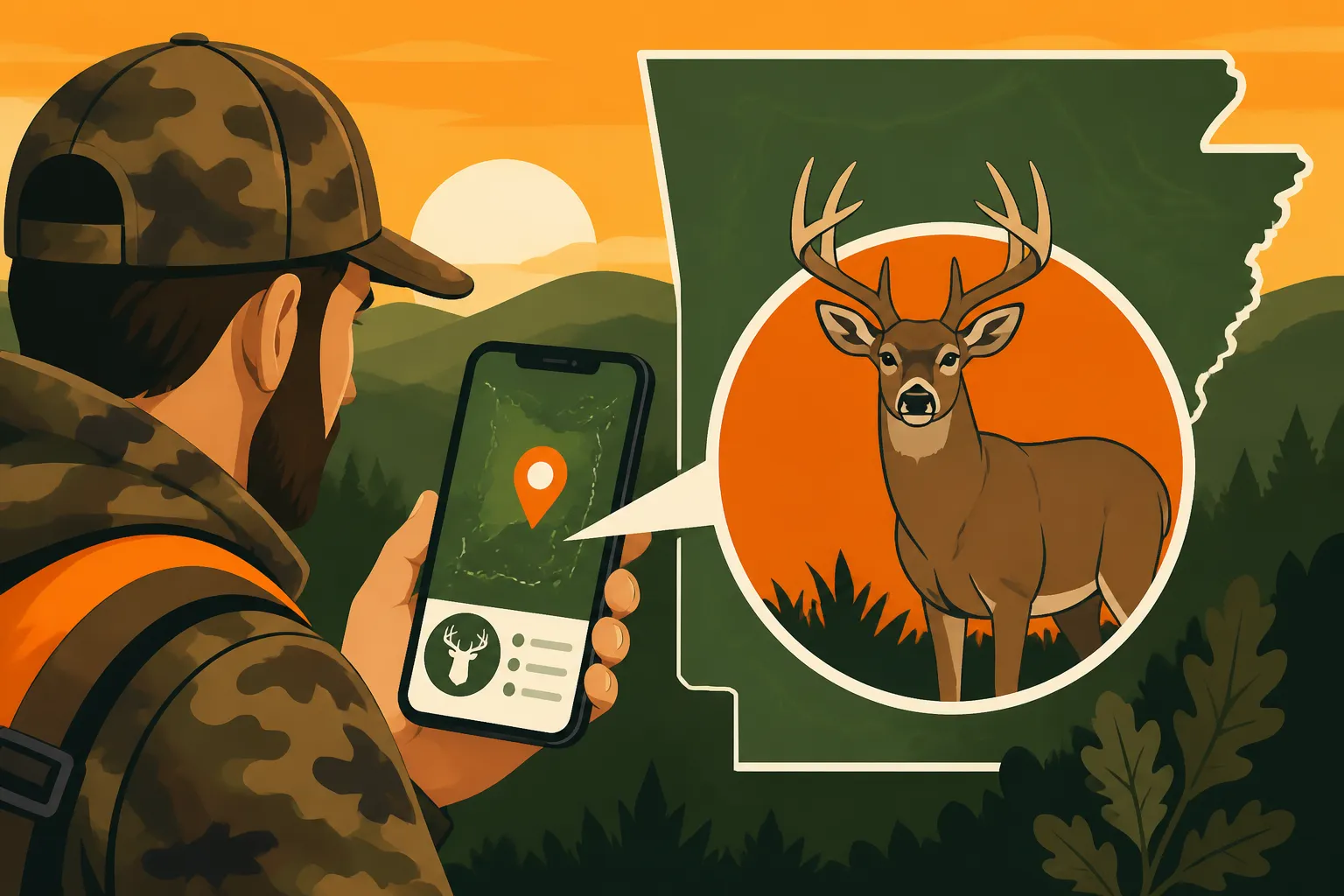
The moment you drop a deer in Arkansas, that adrenaline rush is quickly followed by a practical reality: you've got to legally check it in. For years, this meant a drive to a physical check station, often miles out of the way, especially when you're deep in the timber. Thankfully, the Arkansas Game and Fish Commission (AGFC) has embraced technology, making it incredibly convenient to fulfill this crucial requirement right from your hunting spot using your phone or a dedicated app. This guide will walk you through everything you need to know to confidently check your deer electronically.
The Evolution of Deer Checking in Arkansas
Hunting in Arkansas has always been steeped in tradition, and for generations, part of that tradition involved taking your harvested deer to a physical check station. Hunters would drive their truck, often with the deer proudly displayed, to a gas station, a mom-and-pop store, or a designated AGFC location. There, a clerk or a game warden would collect the necessary data, physically tag the deer, and sometimes even take biological samples. It was a social event for many, a chance to share stories and get a quick weigh-in.
The Convenience of Digital Check-In
While there's a certain nostalgia for those old check stations, let's be honest, they weren't always convenient. Imagine being hours away from the nearest station after a long day of hunting, especially if you're in a remote corner of the Ozarks or deep in the Delta swamps. The rise of digital technology has dramatically changed this. The AGFC recognized the need for a more accessible system, not just for hunter convenience but also for more efficient data collection. Electronic checking means less driving, often quicker processing, and the ability to comply with regulations even from the most secluded spots, provided you have a signal. This shift has truly streamlined the post-harvest process, allowing hunters to spend less time on logistics and more time on the hunt itself, or on the important task of Field Dressing in Arkansas Heat.
The Importance of Accurate Reporting for Game Management
Beyond convenience, the electronic checking system is a cornerstone of effective wildlife management. Every deer checked provides the AGFC with vital data. This includes the date of harvest, the county, the specific deer zone, and the sex of the animal, along with antler characteristics for bucks. This real-time information helps biologists track harvest trends, monitor population health, and make informed decisions about future seasons and bag limits. When hunters accurately report their harvests via phone or app, they're not just complying with the law; they're actively contributing to the sustainable management of Arkansas's deer herd, ensuring that future generations can enjoy the same rich hunting opportunities. It’s how the AGFC understands what's happening with Arkansas Deer Population Estimate and adapts strategies.
Utilizing the AGFC Mobile App and Telecheck System
The Arkansas Game and Fish Commission provides two primary electronic methods for checking your deer: the AGFC Mobile App and the Telecheck phone system. Both are designed to be user-friendly, ensuring that every hunter can easily comply with the state's regulations. It's crucial to remember that checking your deer is a mandatory step after harvest, and doing so quickly and accurately is key.
Downloading and Navigating the AGFC Mobile App
The AGFC Mobile App is a powerful tool for Arkansas hunters, not just for checking deer but for a host of other functions like purchasing licenses, viewing regulations, and finding WMAs. You can download the app for free on both iOS and Android devices. Once installed, you'll need to create an account or log in using your existing AGFC customer ID. The app's interface is generally intuitive, with clear menus guiding you to the "Check Game" section. Before you even head out to the woods, it's a smart move to have this app downloaded and your account set up, just in case you find yourself needing to check a deer in a hurry. Tools like GoHunt can be great for scouting and marking your stand locations, but for the actual check-in, the official AGFC app is your essential companion.
When you're ready to check a deer, the app will prompt you for specific information. This typically includes your hunting license number, the date and time of harvest, the county and deer zone where the harvest occurred, the sex of the deer (antlered buck, button buck, or antlerless), and for antlered bucks, the number of points on one side. Be prepared to enter accurate details to ensure your report is valid. For clarity on legal deer, you might want to review What Counts as a Legal Arkansas Buck.
The Telecheck Phone System Option
For those who prefer not to use a smartphone app, or if you're in an area with poor data signal but decent call reception, the Telecheck phone system is an excellent alternative. The statewide toll-free number for Telecheck is 1-844-307-5989. This system is automated and will guide you through the process using voice prompts. You'll need the same information readily available as you would for the app: your hunting license number, date and time of kill, county, deer zone, and the sex/antler characteristics of your deer. It's a straightforward system, but having all your details written down or memorized before you call can make the process even smoother. Many hunters find it useful to have their Arkansas Hunting Licenses and What They Cost information handy before they even leave for their hunt.
A Step-by-Step Guide to Checking Your Deer
Checking your deer, whether through the AGFC Mobile App or the Telecheck phone system, is a critical final step in your hunt. It ensures you're compliant with state law and provides the AGFC with crucial data for wildlife management. Let's walk through the process so you're fully prepared when that moment comes.
Preparing for the Check-In Process
Before you even pull the trigger, or after you've made your harvest, it's wise to have certain information at your fingertips. First and foremost, you need your Arkansas hunting license number. This is your unique identifier. Secondly, know the exact date and estimated time of your harvest. Thirdly, and this is where preparation really pays off, you need to identify the county and the specific deer zone where you shot the deer. Understanding Arkansas Deer Zone Boundaries beforehand is incredibly important. You also need to accurately determine the sex of the deer (antlered buck, button buck, or antlerless) and, for antlered bucks, count the number of points on one side (a point must be at least one inch long). If you were hunting on a Wildlife Management Area (WMA), you'll also need to identify the specific WMA.
A pre-hunt check of your mobile device is also a good idea. Ensure your phone is charged, and if you plan to use the app, consider downloading the Using the AGFC Map Tool or an offline map application like GoHunt that can show you your current location and corresponding county/zone even without cell service. While the AGFC app needs a signal to submit the check, having your location accurately identified through GPS beforehand can prevent guesswork.
The Digital Check-In: App or Phone
Once you have all your information ready, it's time to check in.
Using the AGFC Mobile App:
- Open the App and Log In: Launch the AGFC Mobile App and log in with your customer ID.
- Navigate to "Check Game": Look for the "Check Game" or "Harvest Report" section, usually found prominently on the home screen or in a main menu.
- Select Deer Species: Choose "Deer" from the list of species you can check.
- Enter Harvest Details: The app will prompt you for:
- Your hunting license number (often auto-filled if you're logged in).
- Date and Time of Harvest.
- County of Harvest.
- Deer Zone.
- Sex of Deer (Antlered Buck, Button Buck, Antlerless).
- Number of Points (if antlered buck).
- WMA (if applicable).
- Review and Submit: Carefully review all the entered information for accuracy. One small mistake can invalidate your check. Once confirmed, submit the report.
- Receive Confirmation Number: Upon successful submission, you will receive a unique confirmation number. This is crucial. Write it down immediately.
Using the Telecheck Phone System (1-844-307-5989):
- Dial the Number: Call the toll-free Telecheck number.
- Follow Voice Prompts: An automated system will guide you. Listen carefully to the instructions.
- Enter License Number: You'll be asked to enter your hunting license number using your phone's keypad.
- Provide Harvest Data: The system will then prompt you to enter the date, time, county, deer zone, sex, and antler points (if applicable) using the keypad.
- Confirm Information: The system will usually read back your entered information for verification. Confirm it is correct.
- Receive Confirmation Number: A confirmation number will be provided verbally. Listen carefully, and write it down immediately and accurately.
Attaching the Confirmation Number to Your Deer
After you've successfully completed the digital check-in and received your confirmation number, the next critical step is to securely attach this number to the deer. Arkansas law requires that this confirmation number be physically affixed to the deer before it is moved from the site of the kill, or at least before it leaves the immediate vicinity of the kill and definitely before it's transported any significant distance.
The most common and practical way to do this is to simply write the confirmation number clearly on a piece of paper, a plastic baggie, or even directly on a zip-tie with a permanent marker. Securely attach this tag to the deer's antlers or through a slit in the ear, or around a leg if antlerless. This physical tag, displaying your confirmation number, must remain with the deer until it reaches its final destination and is processed, or until it's delivered to a commercial processor or taxidermist. This process is part of the broader Arkansas Deer Checking and Tagging requirements, designed to ensure accountability and track individual harvests.
Addressing Common Concerns and Troubleshooting
While the electronic deer checking system is incredibly convenient, it's not without its potential hiccups. From spotty cell service to simple data entry errors, knowing how to troubleshoot common issues can save you a lot of headache and ensure you remain compliant with AGFC regulations.
Dealing with No Cell Service in Remote Areas
This is perhaps the most common challenge hunters face in Arkansas's vast and wild landscapes. You're deep in the Ouachita National Forest or exploring Hunting Ozark Ridges and Hollows for Deer, you drop a buck, and suddenly, your phone shows "No Service." It's frustrating, but it doesn't mean you can't check your deer.
- Move to Higher Ground: Often, a slight change in elevation can make all the difference. Try walking to the top of a ridge or a clearing to see if you can pick up a signal. Sometimes, even one bar is enough for a call, if not for data.
- Satellite Devices: For serious backcountry hunters, a satellite communicator (like a Garmin inReach or Zoleo) can be a lifesaver. While these typically won't run the AGFC app, many offer two-way texting or even basic calling capabilities that might allow you to send a message to a friend who can perform the Telecheck on your behalf (though always verify this is permissible and that they have all your necessary information).
- Designated Reporting Locations: If you absolutely cannot get a signal and cannot move the deer until it's checked, you might have to temporarily leave the deer (properly field-dressed and tagged with your license info for identification) and drive to the nearest location with service to perform the check. This is less than ideal, but necessary for compliance. The key is to check it as soon as physically possible and document your efforts.
- Documentation is Key: If you encounter a delay due to lack of service, it's wise to take photos with time/date stamps, note your exact location, and be prepared to explain the situation to a game warden if questioned. Honesty and clear intent to comply go a long way.
Correcting Errors After Submission
Mistakes happen. Maybe you accidentally selected the wrong county, miscounted antler points, or entered the incorrect time. If you realize you've made an error after submitting your deer check, do not panic, but act quickly.
- Contact AGFC Immediately: The most direct course of action is to contact the AGFC immediately. Call their main number or your local game warden. Explain the situation clearly and provide your confirmation number. They can often correct the information in their system or advise you on the proper steps. Do not try to re-check the same deer, as this will complicate the situation.
- Be Honest: Being upfront and honest about the mistake is always the best policy. Game wardens appreciate transparency and are generally willing to help hunters correct legitimate errors, especially if it's reported promptly. Trying to hide an error could lead to more serious issues.
Understanding Special Regulations and CWD Zones
Arkansas has specific regulations that can affect your deer checking process, particularly concerning CWD (Chronic Wasting Disease) Management Zones.
- CWD Management Zones: If you harvest a deer within a designated Arkansas CWD Counties List, there are often additional rules regarding carcass transport and, in some cases, mandatory testing requirements. Always check the current AGFC regulations for the specific zone you're hunting in. While the electronic check-in captures the location, you may still be required to take the deer to a CWD sampling station.
- Antler Point Restrictions: Some zones have antler point restrictions (APRs) where bucks must have a minimum number of points (e.g., three points on one side) to be legal. When checking your deer, be absolutely sure you've correctly identified if your buck meets these criteria for the specific zone you're in. This directly ties into the regulations explained in The Arkansas Three-Point Rule.
- WMA Specifics: Some WMAs might have unique harvest reporting requirements or special tags that work in conjunction with the electronic system. Always read the WMA-specific regulations before hunting to avoid any surprises.
| Information Required for Deer Check | AGFC Mobile App | Telecheck Phone System | Notes |
|---|---|---|---|
| Hunter's AGFC Customer ID/License # | Yes | Yes | Essential for identification and validation |
| Date of Harvest | Yes | Yes | Specific day the deer was killed |
| Time of Harvest | Yes | Yes | Estimated time (e.g., 8:30 AM) |
| County of Harvest | Yes | Yes | The county where the deer was physically taken |
| Deer Zone | Yes | Yes | The specific AGFC deer management zone |
| Sex of Deer | Yes | Yes | Antlered Buck, Button Buck, or Antlerless |
| Number of Antler Points | Yes | Yes | For antlered bucks, points > 1 inch on one side |
| WMA Name (if applicable) | Yes | Yes | Required if harvested on a Wildlife Management Area |
| Confirmation Number | Provided | Provided | Crucial for tagging deer, received after successful submission |
Ultimately, the AGFC's mobile app and Telecheck system are designed to make your hunting experience smoother and ensure the continued health of Arkansas's deer population. By understanding the process and being prepared for potential challenges, you can easily comply with regulations and focus on what you love most—hunting in the Natural State.
Disclaimer
The information provided in this guide is for general informational purposes only and is not a substitute for the official regulations published by the Arkansas Game and Fish Commission (AGFC). Hunting laws and regulations can change frequently. Always consult the most current AGFC hunting guide and official website before engaging in any hunting activities to ensure full compliance.